
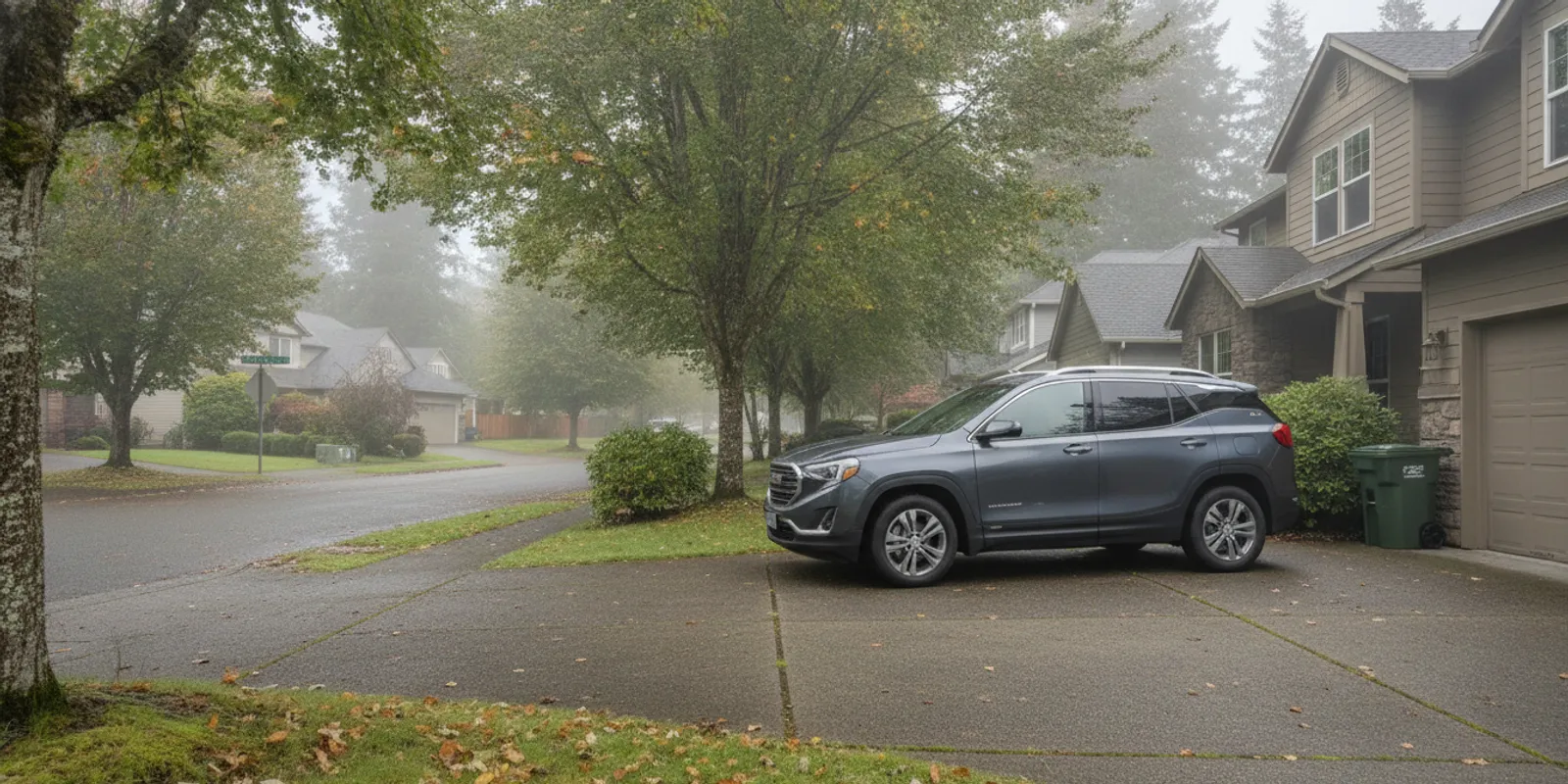
Learning how to remote start GMC Terrain models can make it easier to prepare for a drive before stepping outside. The controls and feature availability vary by model year and equipment, so use these general steps as a starting point and confirm the instructions for your specific Terrain.
Call Auto Town GMC with a Terrain question
How do you remote start a GMC Terrain with the key fob?
Many Terrain models equipped with key-fob remote start use a button marked with a circular arrow. A common sequence is to lock the vehicle, then press and hold the remote-start button for a few seconds. The vehicle may flash its lights or provide another confirmation when it accepts the request. Because controls differ, follow the model-specific owner’s manual rather than relying on a sequence from another year.
- Park the Terrain in a safe, open location. Make sure the vehicle is in the proper parked condition described in its manual.
- Use the correct key fob and press the lock button.
- Press and hold the circular-arrow remote-start button. Watch and listen for the vehicle’s confirmation signal.
- When you are ready to drive, unlock the Terrain and use the normal starting procedure in the owner’s manual.
This is a general guide, not a guarantee that every Terrain has the feature or uses the same controls. If your fob has no remote-start button, do not assume the vehicle is equipped. A similar-looking fob may have different functions, and equipment can vary even among vehicles of the same model year.
What should you check before trying remote start?
Remote start depends on the vehicle and its operating conditions, not only on the fob. Before trying it, make sure the Terrain is parked safely and check that the doors and hood are fully closed. Confirm that you are using the procedure for the correct model year and equipment.
- Confirm the feature is equipped. Check the fob, vehicle equipment information, and owner’s manual. If you are considering a vehicle, confirm on that specific vehicle instead of assuming all Terrain models include it.
- Check the fob battery. If locking or unlocking also works inconsistently, the fob battery or its range may be a factor. Follow the manual for battery replacement guidance.
- Look for warnings. A dashboard message or warning light may point to a vehicle condition that needs attention. Do not ignore an unfamiliar warning just to use remote start.
- Try from closer range. The fob’s signal and the surroundings can affect whether the request reaches the vehicle. Move closer and try once using the documented sequence.
- Notice the response. Record whether the lights flash, whether the fob still locks and unlocks the doors, and whether remote start has worked before. These details help narrow down what to ask next.
Use remote start only where it is safe. Do not leave a vehicle running in an enclosed or poorly ventilated space. The U.S. Environmental Protection Agency provides information about carbon monoxide and indoor air quality at EPA.gov; keep a running vehicle outdoors and away from enclosed areas.
Why might remote start not work on a Terrain?
The feature may not be installed, the fob battery may be weak, or the vehicle may not meet a condition required by its system. An open door or hood, a warning, or another system limitation may prevent a request. The exact conditions vary, so the owner’s manual for your year and configuration is the best source for the vehicle-specific explanation.
Pay attention to what happens rather than repeatedly pressing buttons. If the fob still locks and unlocks the vehicle but remote start does not respond, mention that distinction when seeking help. If none of the fob buttons work reliably, explain that too. If the vehicle starts normally but a warning appears, note the warning’s wording rather than trying to diagnose it yourself.
Do not bypass a safety interlock or keep operating a vehicle with a warning you do not understand. If the fob has a remote-start button and the documented steps do not work, a service professional can help determine what to check next. Auto Town GMC is a GMC dealership in Gladstone serving the Portland metro area, and its service team handles GM maintenance and repairs. A fob button alone is not enough to identify the cause.
How can you confirm the instructions for your model year?
Start with the owner’s manual that matches your Terrain’s model year and equipment. Verify that the instructions describe remote start, then compare the diagram and button symbols with your fob. If the manual describes a different control layout, do not substitute instructions found for another model year.
If you are shopping for a used Terrain, ask to verify the feature on the particular vehicle and review its equipment details. Auto Town GMC offers new GMC vehicles, including Terrain, and used vehicles. You can browse the Terrain inventory, then confirm the equipment and current availability with the dealership. Inventory can change, and a model name by itself does not establish that every vehicle has the same feature.
When contacting the dealership about a question or a continuing problem, have the model year and trim ready if known. Describe the fob’s buttons, the sequence you tried, and what happened. Mention whether locking and unlocking work, whether remote start worked previously, and whether a warning appears. Clear observations give the service team useful context without presuming a cause.
What should you do if the system still does not respond?
Use a simple, safe troubleshooting order. First, stop if there is an unfamiliar warning or anything that makes the vehicle unsafe to operate. Next, check the owner’s manual for the exact sequence and any listed conditions. Then confirm the fob battery and try again from closer range in an open, safe location. Avoid guessing at alternate button combinations or repeating attempts without checking the instructions.
If you need help comparing vehicle information or researching other GMC topics, Auto Town GMC’s GMC blog is another dealership resource. For an individual vehicle question, have the year and equipment details available so the right information can be checked.
Frequently asked questions
Does every GMC Terrain include remote start?
No. Availability depends on model year and equipment. Check the fob and vehicle-specific feature information rather than assuming remote start is standard across the lineup.
Can I use the key fob if an app feature is unavailable?
If your Terrain is equipped for key-fob remote start, follow the instructions for its fob and vehicle. App-based controls and key-fob controls are not interchangeable in every situation, so confirm what your specific vehicle supports.
What information should I have when I ask for help?
Share the model year, trim if known, fob-button description, steps attempted, and what the vehicle did in response. Also mention whether other fob functions work and whether a dashboard warning appears.
Call Auto Town GMC to discuss your Terrain question
For an equipped Terrain, follow its model-specific instructions and use remote start only in a safe, open setting. If the system continues to act unexpectedly, get guidance before trying further troubleshooting.